

Increasing electricity costs have forced many households in Punjab to consider solar energy seriously and the free solar energy panel scheme by the government of Punjab focuses directly on the families who need it. The solar panel scheme in Pakistan is officially known as the CM Punjab Free Solar Panel Scheme and known as Roshan Gharana Solar Program. This scheme is providing solar systems to the eligible low consumption households completely free.
Here are the details on who is eligible, the selection process, and the registration process.
What is CM Punjab Free Solar Panel Scheme?
The scheme, which was initiated by Chief Minister Maryam Nawaz Sharif, is a Government of Punjab initiative wherein 100,000 solar systems are provided free of cost to the poor families in the province. It is specifically geared towards domestic electricity consumers with low monthly consumption who want to minimize their dependence on grid electricity and lower their monthly electricity bills by using clean and renewable energy.
The program will be implemented in phases, over the districts, using a computer-based balloting system for selection, not the first come-first served method.
Who Is Eligible for this Scheme?
The eligibility criteria are laid out by the official Government of Punjab guidelines and the following categories are eligible for the domestic consumers:
| Category | Monthly Consumption |
|---|---|
| Life Line Consumers | Up to 50 units, and 51-100 units |
| Protected Consumers | 0-100 units |
| Unprotected Consumers | 101-200 units |
There are a couple of other eligibility requirements:
- The permitted load can not exceed 2 KW.
- The eligibility is determined in accordance with the electricity bill of the reference month as mentioned in the scheme, ensure to check the electricity bill for the same month as mentioned on the official portal.
- No more than one system per house can be used per CNIC.
Who Is NOT Eligible for this Scheme?
This scheme is not for:
- People who steal electricity for their own use.
- Consumers who have faulty meters
- Meters installed in a home that are not for distinct uses.
- People who have a history of late payment (over 3 late payments in a 12-month period)
If any of these applies to your connection, you need to address the issue with your electricity company before applying as these will be checked during verification.
How to Register Solar Panel Scheme?
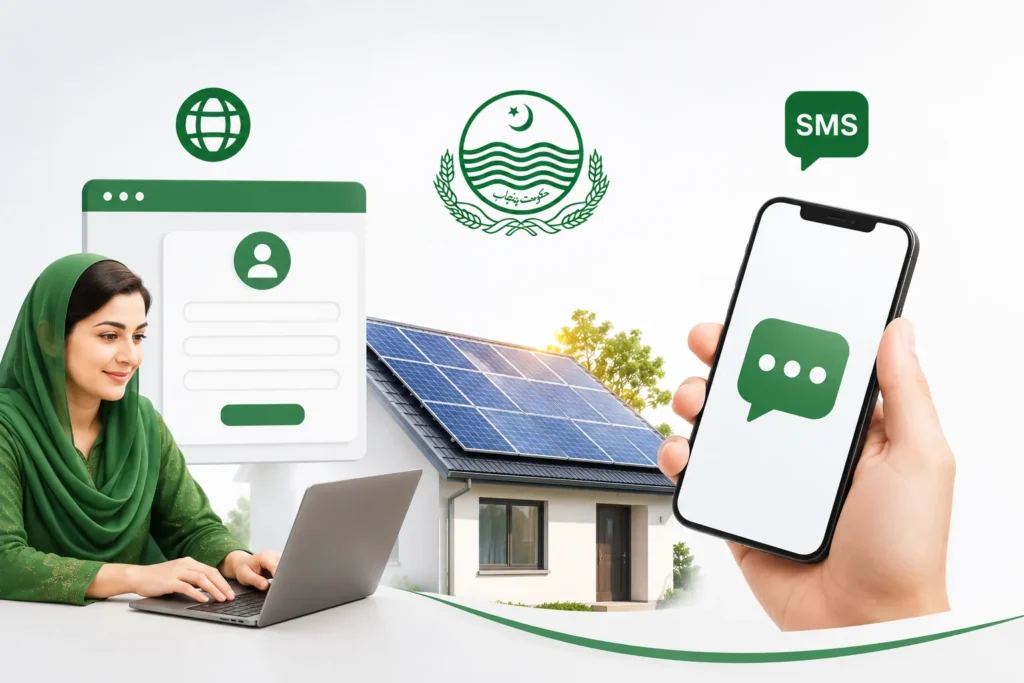
For applying there are two official methods:
Online Registration
- Go to the official website cmsolarscheme.punjab.gov.pk.
- Go ahead and Register, make an account with your CNIC number and mobile number.
- Sign in and fill in the application form, including your electricity bill reference number and details requested.
- Carefully read through your application and submit it.
- When your information is within the eligibility requirements, your application is placed into the electronic balloting system.
SMS Registration
If a candidate does not have access to reliable internet then:
- Find your Reference Number (on your electricity bill).
- Write a message followed by a space and CNIC number.
- Type the message into 8800.
- A confirmation or status message should be sent to you by SMS after submission.
What happens after you have registered?
Digital balloting
Successful applications are submitted to a computer based balloting process, which is open and transparent, and not approved on a first come first served.
Physical verification
If you are chosen, they come to verify the household information and connection in person, before installation begins.
Installation
There is a QR-coded installation system at your home through which the professional team installs the solar system, as a protection against theft or misuse of the system.
Final inspection
Before the operation of the system, it is checked to ensure that all elements are correctly connected to the rest of your electrical system.
Frequently Asked Questions
How many households will benefit from this scheme?
The program to provide free solar systems to 100,000 people has been agreed upon by the Government of Punjab.
What is the maximum electricity consumption to qualify?
Eligible across all three consumer categories (Households: Life Line, Protected and Unprotected) up to 200 units per month.
Is there a cost to register or apply?
No. Registration is free and the solar system itself is being given free of charge to eligible families. However, any such request for payment should be scam.
How will I know if I have been selected?
The selected candidates are selected through a computer based balloting and are informed through SMS or through the official site and a site inspection visit is then conducted before installation.
