
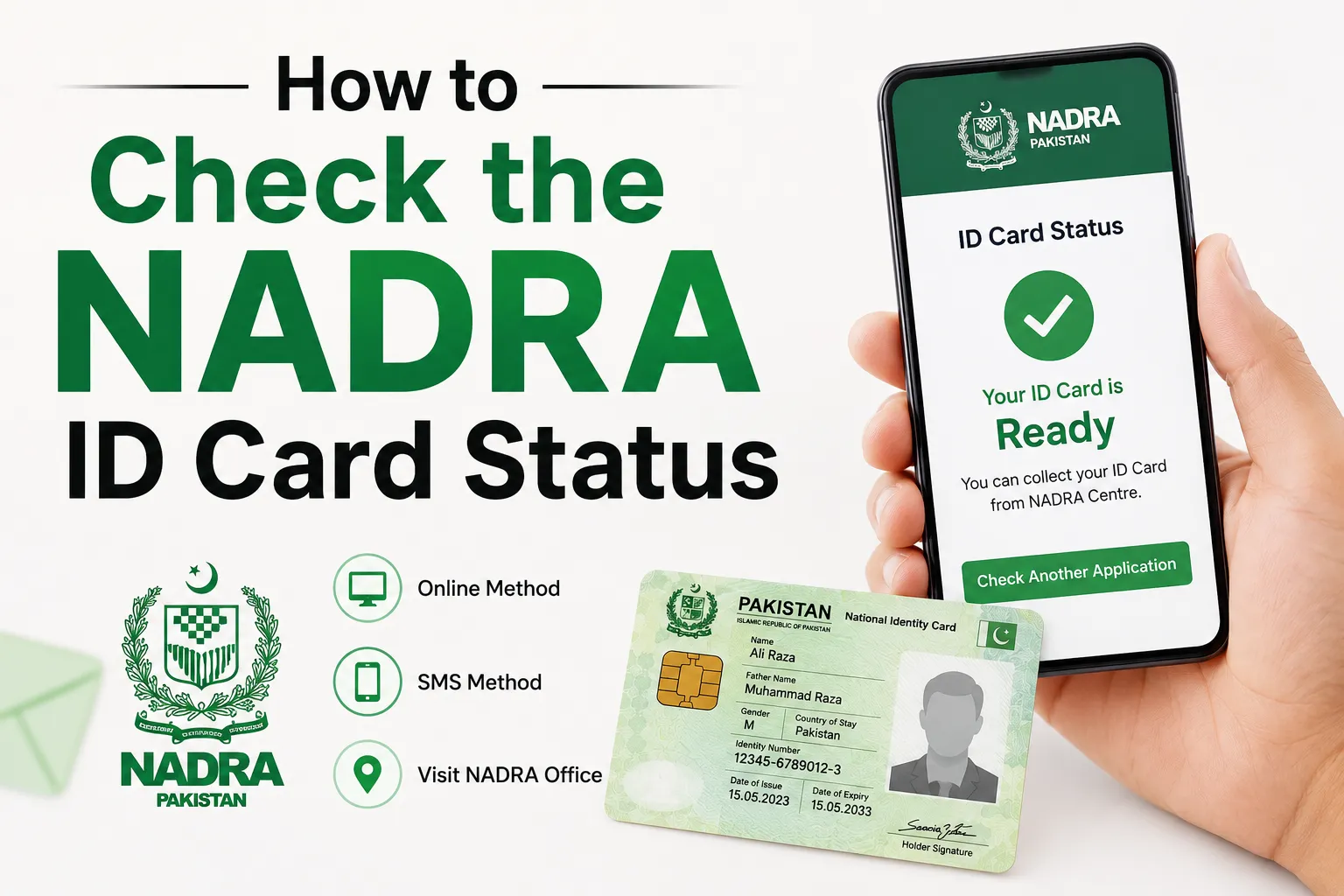
Your CNIC issued, renewed, or changed can be stressful, particularly if you are planning to travel, attend government offices, or need to do banking. Fortunately, there are a number of official methods to monitor the application without visiting a registration center.
This guide explains how to use the official SMS service, Pak ID mobile app and NADRA online tracking options to check the status of your NADRA ID card.
How to Check NADRA ID Card Status
NADRA provides multiple official methods to track your application.
Method 1: Check NADRA Status by SMS
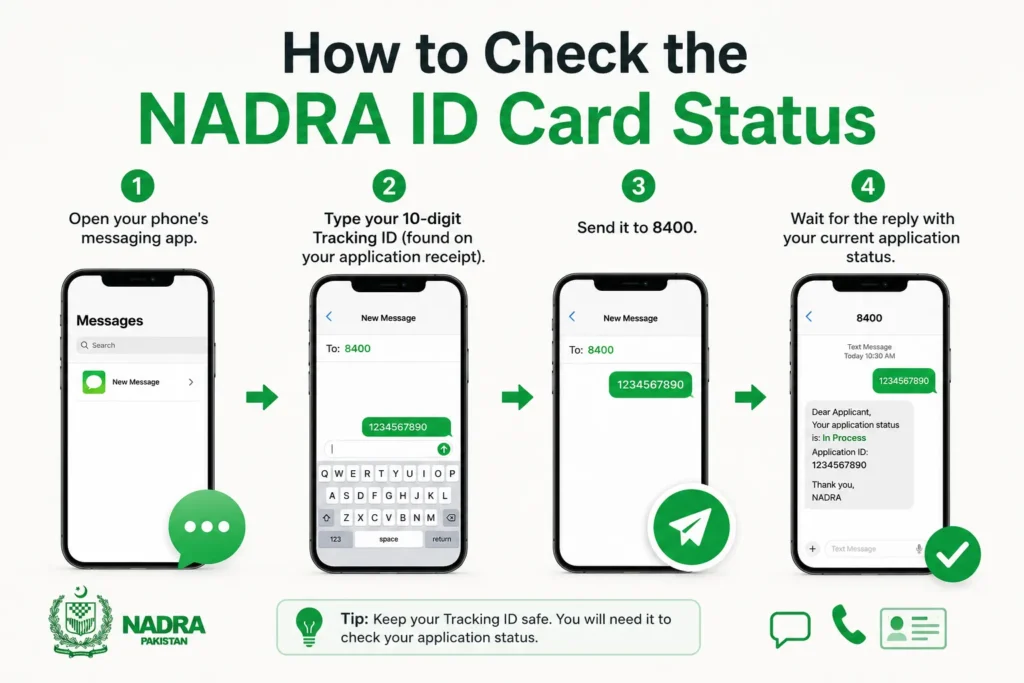
If you applied within Pakistan, you can check your application status through SMS.
- Open your phone’s messaging app.
- Type your 10-digit Tracking ID (found on your application receipt).
- Send it to 8400.
- Wait for the reply with your current application status.
Method 2: Check Status Using the Pak ID Mobile App
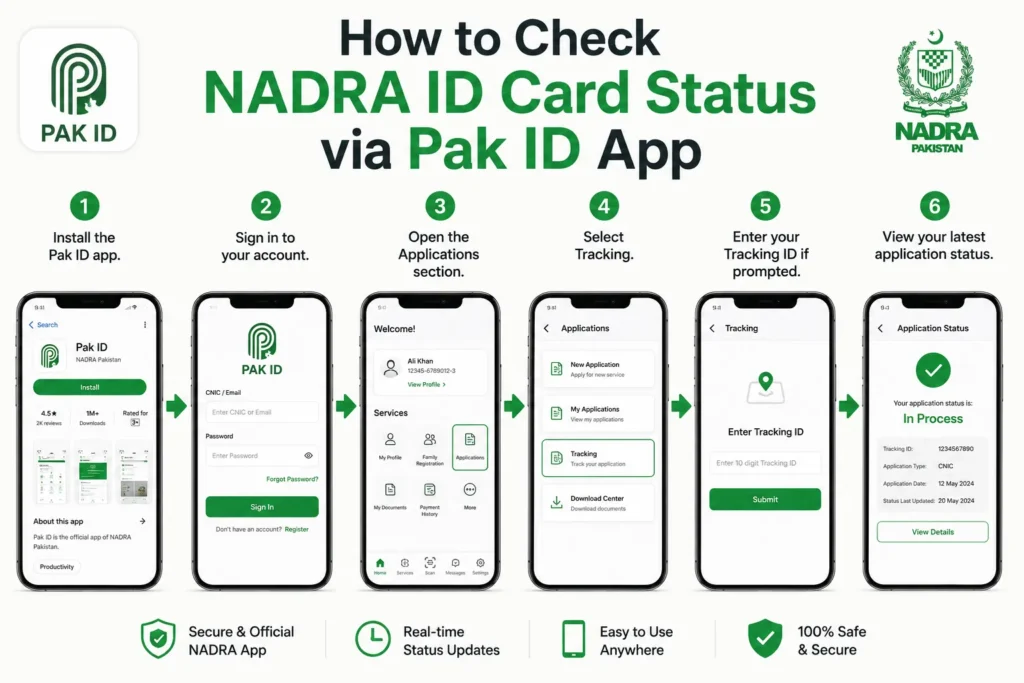
The official Pak ID app allows applicants to track their CNIC applications from their mobile devices.
- Install the Pak ID app.
- Sign in to your account.
- Open the Applications section.
- Select Tracking.
- Enter your Tracking ID if prompted.
- View your latest application status.
Method 3: Contact NADRA Helpline
If you cannot access the SMS service or app, you can contact NADRA directly.
| Service | Contact |
|---|---|
| Mobile Helpline | 1777 |
| Landline | +92 51 111 786 100 |
Keep your Tracking ID or application details ready when speaking with a representative.
Your NADRA Application Status
You may see one of the following statuses:
| Status | Meaning |
|---|---|
| Received | Your application has been submitted. |
| Under Process | NADRA is reviewing your application. |
| Printing | Your CNIC is being printed. |
| Dispatched | Your ID card has been sent for delivery or to the registration center. |
| Ready for Collection | Your CNIC is ready to be collected. |
What You Need to Check Your Status
Before checking your application, keep these details ready:
- Tracking ID or Token Number
- Registered mobile number (if applicable)
- CNIC details (if requested)
The Tracking ID is printed on the receipt you received when submitting your application.
What to Do If Your Application Is Delayed
If your application has not progressed for longer than the expected processing time:
- Check the status again using SMS or the Pak ID app.
- Contact NADRA’s helpline.
- Visit the NADRA Registration Center where you submitted your application if instructed.
Frequently Asked Questions
How can I check my NADRA ID card status online?
You can track your application using the official Pak ID app or other official NADRA tracking services with your Tracking ID.
Can I check my CNIC status without visiting a NADRA office?
Yes. You can use the SMS service (8400), the Pak ID app, or contact the NADRA helpline.
Where can I find my Tracking ID?
Your Tracking ID is printed on the application receipt issued when you applied for your CNIC.
What should I do if I lose my receipt?
Contact NADRA’s helpline or visit the registration center where you submitted your application for assistance.
How long does it take to receive a CNIC?
The processing time depends on whether you selected the normal, urgent, or executive service when submitting your application.